HELP CENTER · SEO TOOLS
How To Check Your Keyword Rankings
See which of your money keywords are on Google's first page, how they moved this month, and every search we track.
- Weeklyrank checks
- 12 monthsof history
Rankings shows where your business appears in Google for the searches that matter most to you, checked every week.
Step 1
Start from Your Home Page
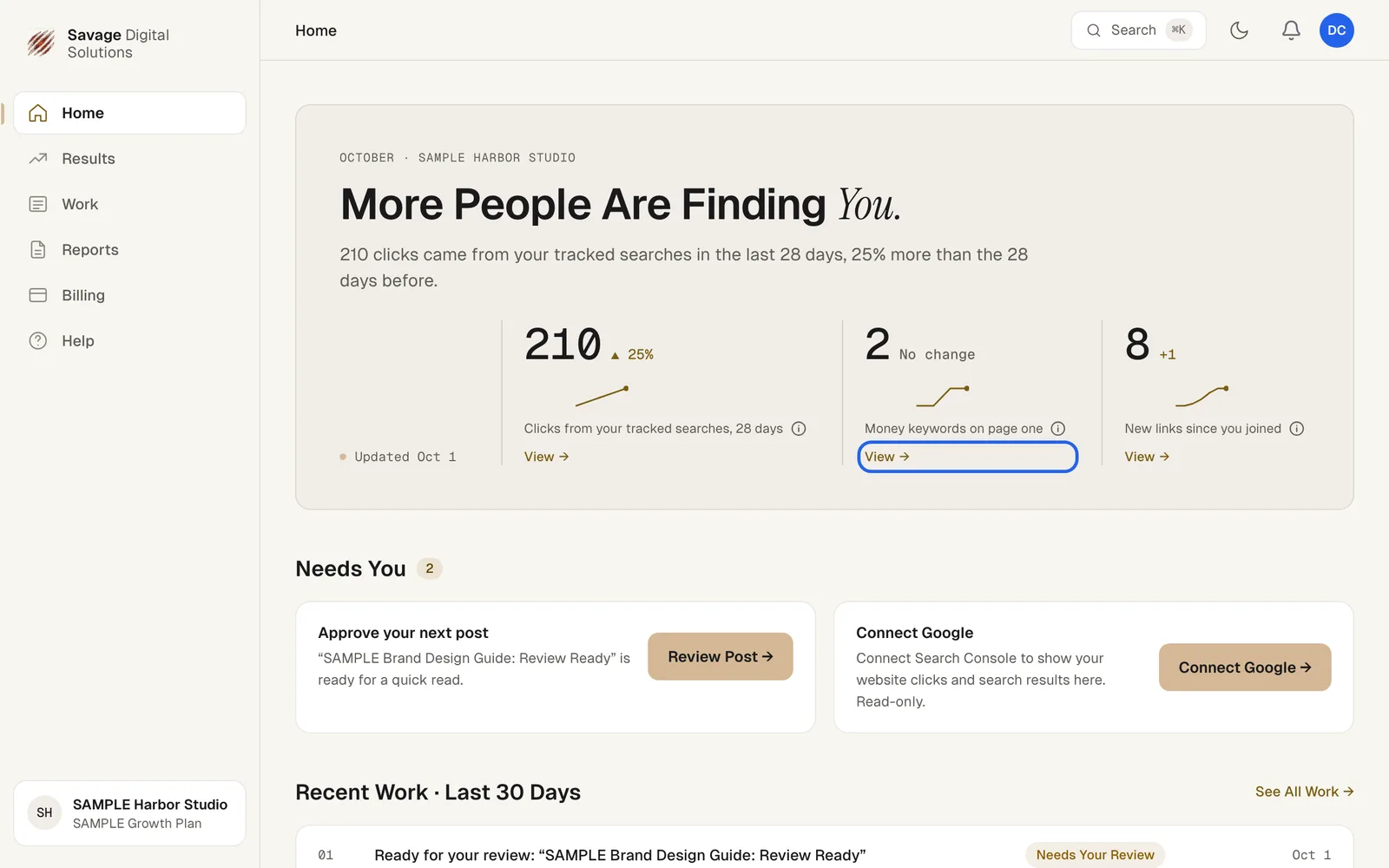
Your Home page shows how many money keywords are on page one, and how that changed from a month ago. Choose View to open Rankings. You can also choose Results in the sidebar, then Rankings.
Step 2
Read Your Rankings
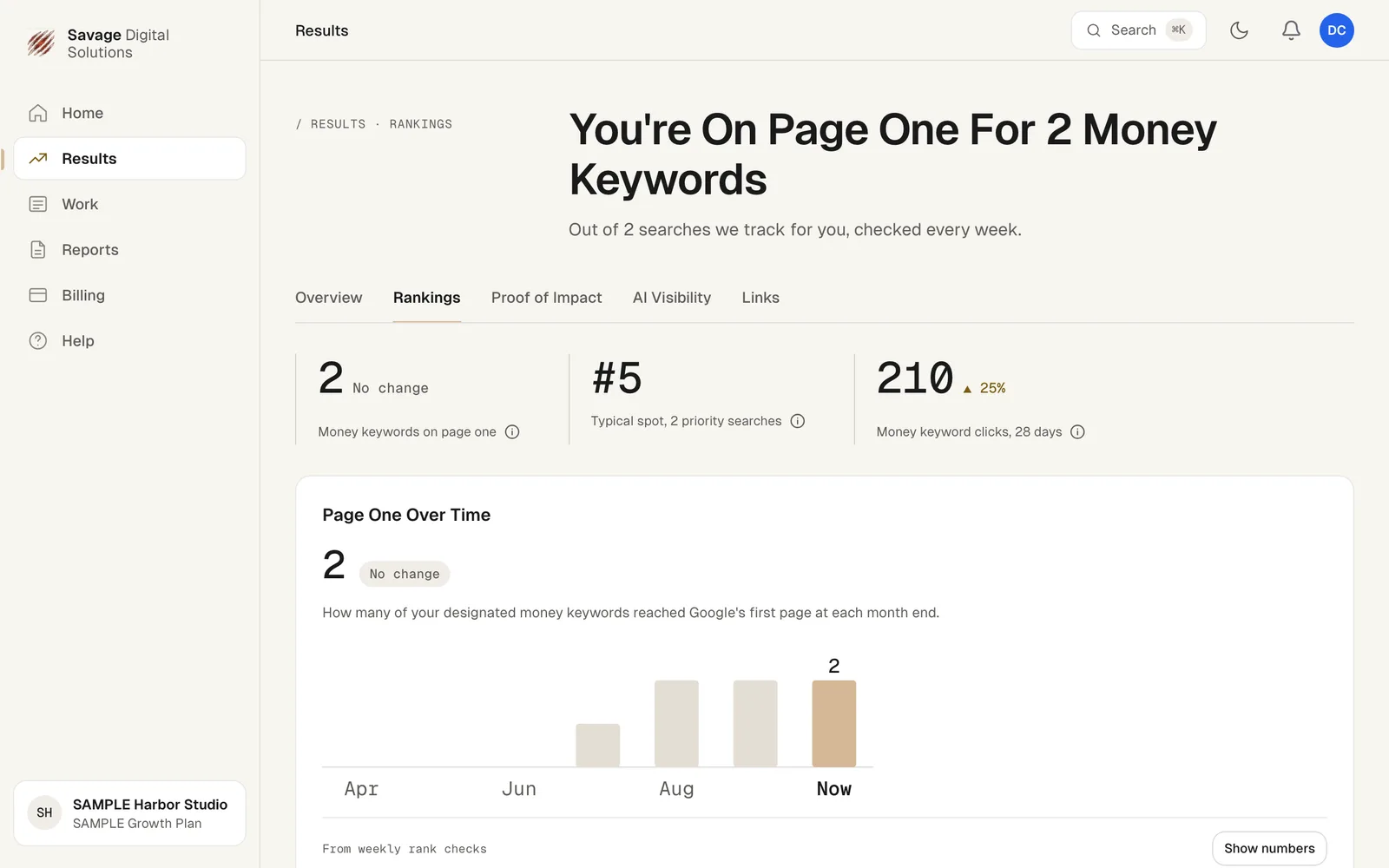
The page leads with how many money keywords are on page one, your typical position, and the clicks they brought in over the last 28 days. Below that:
- Page One Over Time: how many money keywords reached Google's first page at each month end.
- Your Priority Searches: each search, its position and its 12-month trend. Lower numbers are better.
- Biggest Moves, Last 28 Days: searches that moved up or down.
- All Tracked Searches: choose Show all to search, sort and see a trend for every search we track.