Working Apps and Website Demos

Explore Our Working Applications

Watch the software we built to help a business get found and to run the work it wins, then browse industry website samples. Every demo uses fictional sample data. Want the story behind one? Read the case studies.

Watch the Film

Working Software

Pick a System and Watch It Work

Watch each system work in a short clip. The knowledge base also opens as a live demo with its own sample session. Every name and figure in them is fictional sample data.

Track A

Get Found

Get more people to find you. This is the portal SEO clients use, and the kind of website we build.

  • Client Portal Tour · Silent · Sample Data
    What the Clip Shows

    A silent 12-second tour of the client portal for a fictional business, SAMPLE Harbor Studio. It shows the home screen with tracked search clicks, the Results page with clicks and money keywords on page one, the Work timeline of published updates, and the Reports page with a monthly report ready to download. Every figure is fictional sample data.

    Savage Client Portal

    Sample Data

    This is where SEO clients follow their work: searches and clicks, keywords on page one, every update we publish and a plain-English monthly report.

    1. The home screen shows how many people found the sample business through search.
    2. Results shows clicks and which money keywords reached page one.
    3. Work and Reports list every update we published and the monthly report.
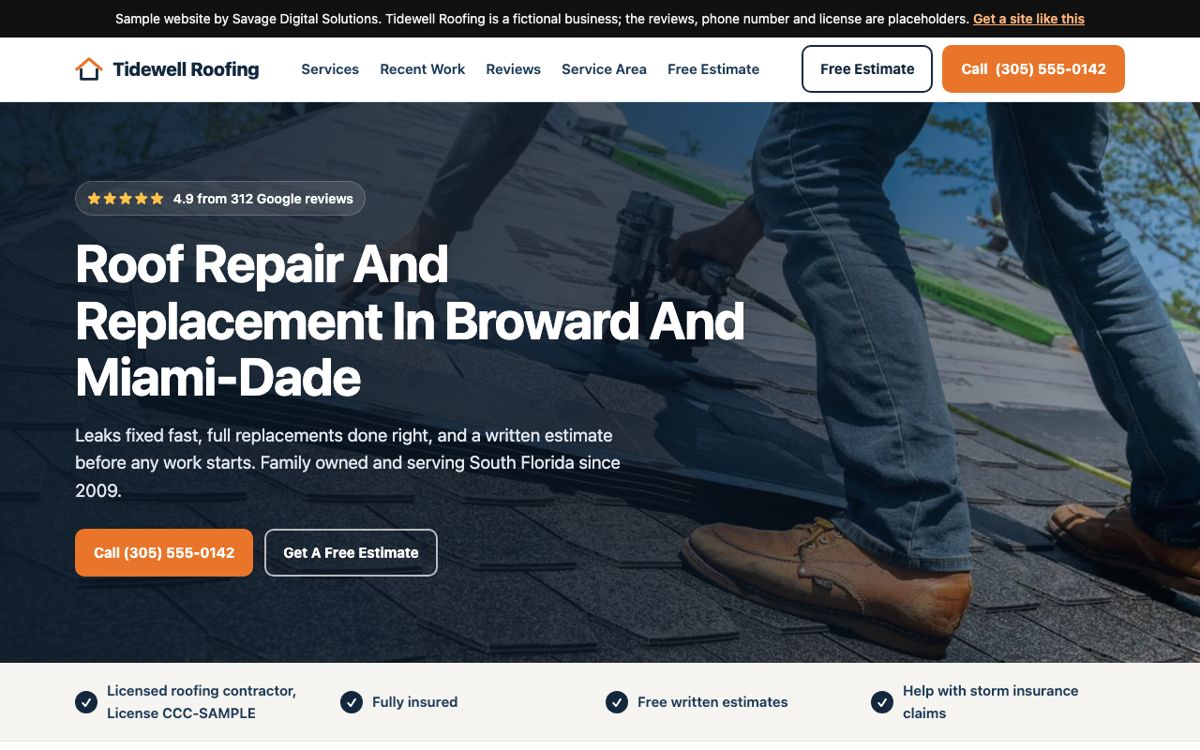
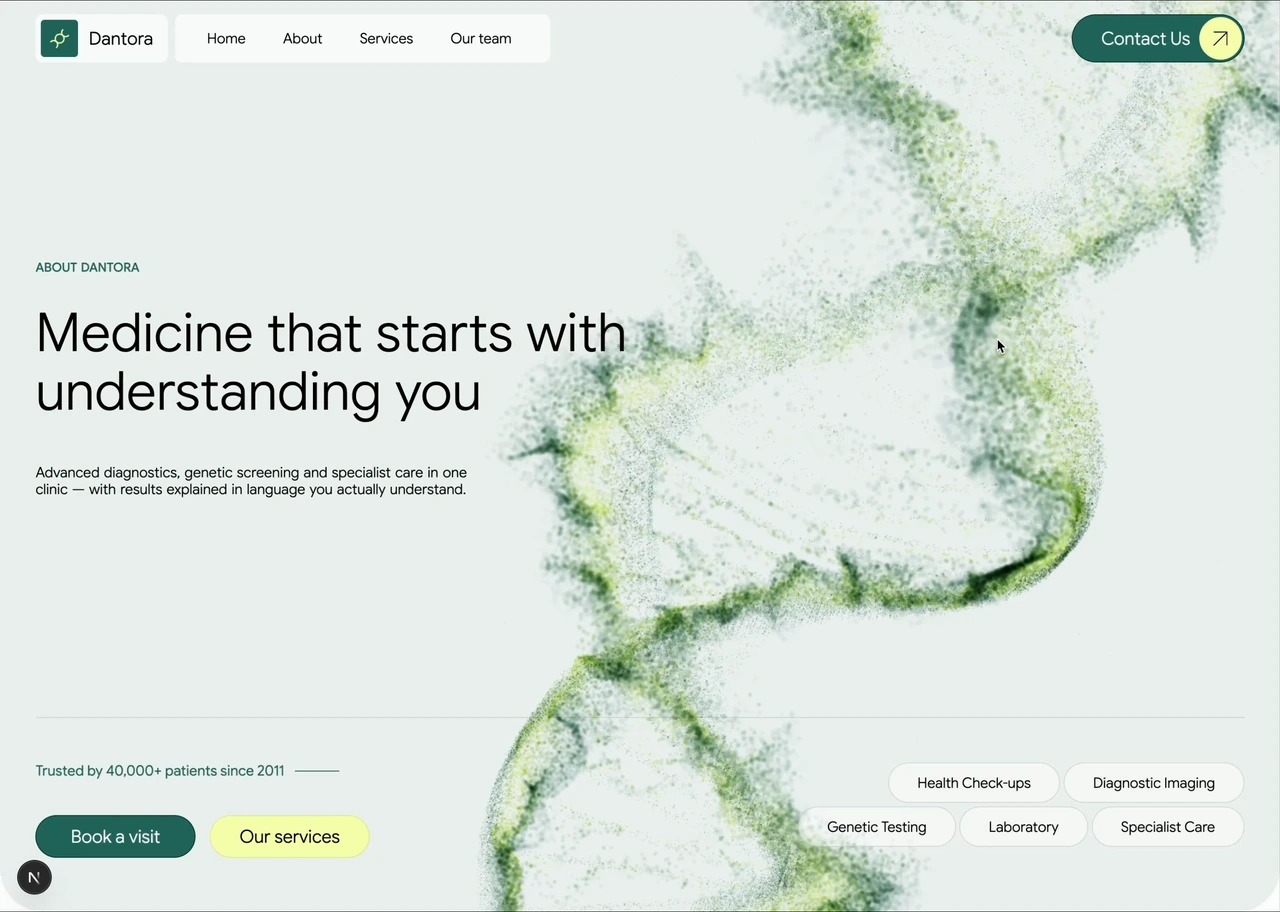
  • Home page of the Tidewell Roofing sample website, a fictional roofing contractor

    37 Sample Websites

    Sample Data

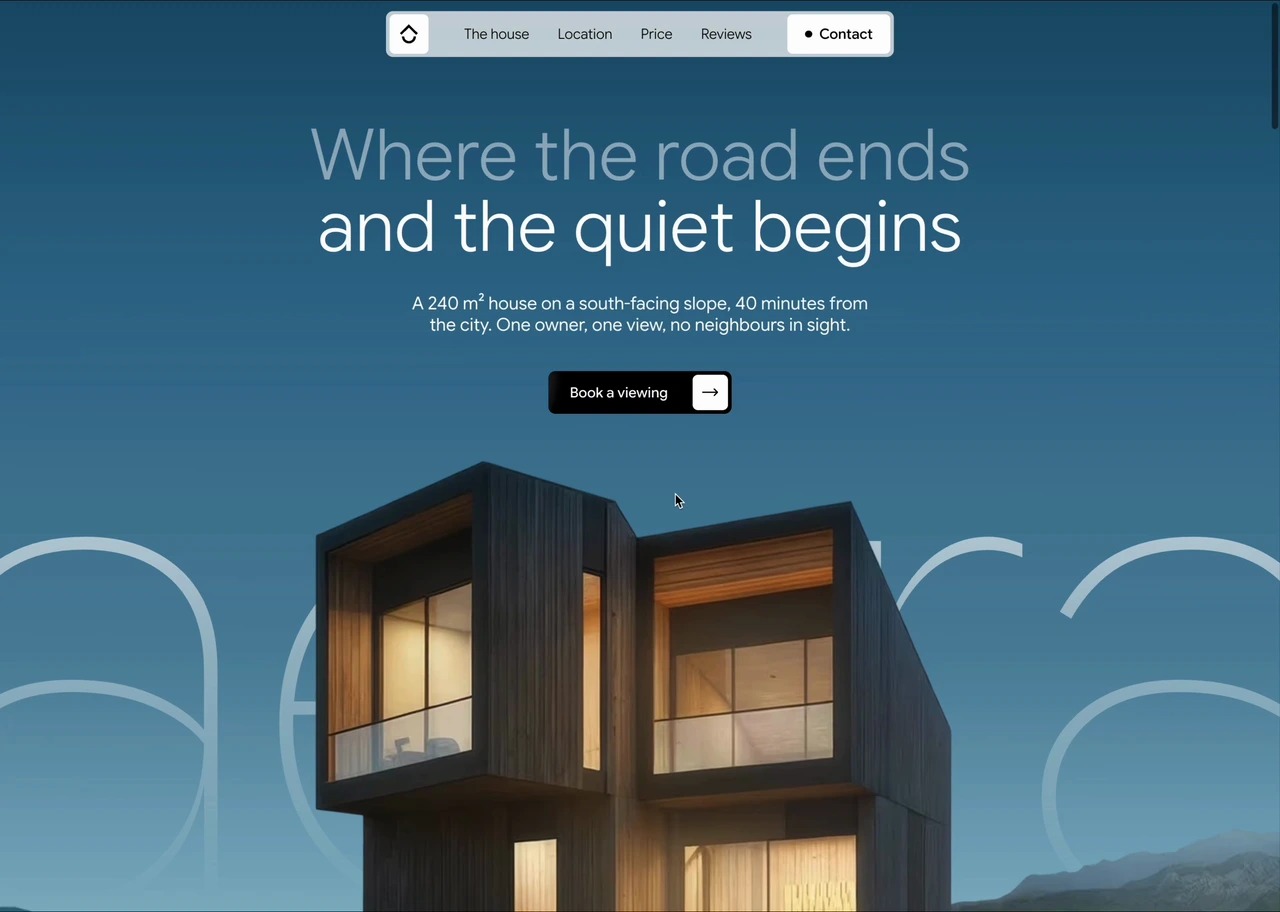
    Working sample websites for fictional businesses, from roofing and dental to restaurants and law. Each one shows how we would lay out a site for that kind of business.

    1. Pick an industry close to yours.
    2. Open a sample and click through its pages.
    3. Start the free SEO audit and tell us which sample you liked.
Get Your Free SEO Audit

Free, with no credit card. Your score and priority fixes usually arrive in 30 to 90 seconds.

Track B

Run Itself

Turn the business you win into work that runs on its own. We built and run these systems for our client Candid Studios, a photo and video company with 3,000+ events behind it.

  • CRM Tour · Silent · Sample Data
    What the Clip Shows

    A silent 12-second tour of the CRM with sample records. It shows the project board from inquiry to editing, the fictional SAMPLE Marina and Theo project with its countdown to the event, the daily dashboard, and the documents page the couple sees. Every name and figure is fictional sample data.

    Candid Studios CRM

    Sample Data

    We built our client Candid Studios one record per booking, from first inquiry to delivery: proposals, contracts, invoices, questionnaires, crew and client messages in one place.

    1. A new inquiry lands on the project board.
    2. The SAMPLE Marina and Theo project counts down to the event.
    3. Its documents, invoices and crew sit in the same record the couple sees from their side.
  • Review Page · Silent · Sample Data
    What the Clip Shows

    A silent 6-second clip of a sample review page for the fictional SAMPLE Marina and Theo. It shows a welcome film from our client Candid Studios, a comment box that stamps the time, and the activity panel listing four versions, each with its own comments.

    Film Review

    Sample Data

    Couples who book our client Candid Studios watch their film and leave notes on the exact second they mean. Each version keeps its own notes, and approving a version is what unlocks the download.

    1. The editor posts a cut for the client to review.
    2. The client pauses on a moment and leaves a note stamped with that time.
    3. The editor posts the next version, and the client's approval unlocks the download.
  • Photo-Library Upload · Silent · Sample Data
    What the Clip Shows

    A silent 8-second clip on a phone. A guest picks a photo and chooses Use Photo, the page shows it uploading, then confirms it was saved to the album for the fictional SAMPLE Marina and Theo event. When the camera is blocked, the page offers the phone's photo library instead.

    Guest Camera

    Sample Data

    Guests at an event for our client Candid Studios open a link on their own phone and add photos to the couple's album. There is no app to install, and the couple decides who sees the album.

    1. A guest taps the event link on their own phone.
    2. They take a photo or pick one from their library, then choose Use Photo.
    3. The photo lands in the couple's album, and the couple decides who can see it.
  • Sample Workspace · Silent · Sample Data
    What the Clip Shows

    A silent 15-second clip of a sample workspace with fictional notes. Someone asks who coordinates delivery for the SAMPLE Marina and Theo project, the answer names the sample coordinator and cites the note it came from, and an edited note is saved and indexed.

    Knowledge Base

    Sample Data

    A searchable home for procedures, project history and decisions. Ask a question in plain words and the answer links back to the notes it came from. The live demo gives you your own sample session for eight hours.

    1. Open the live demo, then choose Open Sample Knowledge Base to start your own sample session.
    2. Ask who coordinates delivery for the SAMPLE Marina and Theo project.
    3. Open the cited note, edit it and choose Save And Index.

Also running, with no clip yet: our own Savage Sales CRM, and client scheduling we built for our client Candid Studios, which books calls straight into their CRM. Ask about either in your assessment.

Get Your Free Automation Assessment

Answer 3 questions, and a person sends you one written next step.

CodeWrench · Free AI IDE

Build, Review, and Ship With AI.

Your coding agents, terminals, Git and browser previews in one IDE. Run tasks in parallel, inspect the changes, and keep the work together from first prompt to pull request.

Free to use. AI provider subscriptions and usage are separate.

  • Work With Your Agents

    Run Claude Code, Codex and other coding tools side by side.

  • Build in Parallel

    Give separate tasks their own branches and worktrees.

  • Review in Context

    Inspect changes and browser previews alongside the conversation.

Guided Staging Demo

CounselDesk

Explore an industry-specific example of staff and client matter workflows, documents and time entries. This independently operated staging application is available through a guided walkthrough.

Request CounselDesk Walkthrough

Before / after

One-Image Stories

The path you run by hand today, next to one that runs on a set schedule.

All Explainers →

process

Website Lead to a Booked Job

Six manual steps versus zero owner touches.

Open Full Size →

flowchart

After-Hours Inquiry

Voicemail graveyard versus a receptionist that books the qualified ones.

Open Full Size →

Industry Samples

How We Would Design the Site