HELP CENTER · REPORTS AND RESULTS
How To Read And Share Your Monthly Report
Find your monthly report in the portal, download the PDF, share a link, and see when the next one arrives.
- Monthlynew report
- PDFor share link
- Every monthkept on Reports
Every month we write up what changed for your business in plain English: the highlights from your own Google data, the work behind them, and what we're doing next. Your reports live on the Reports page of your Savage Digital Solutions portal.
Step 1
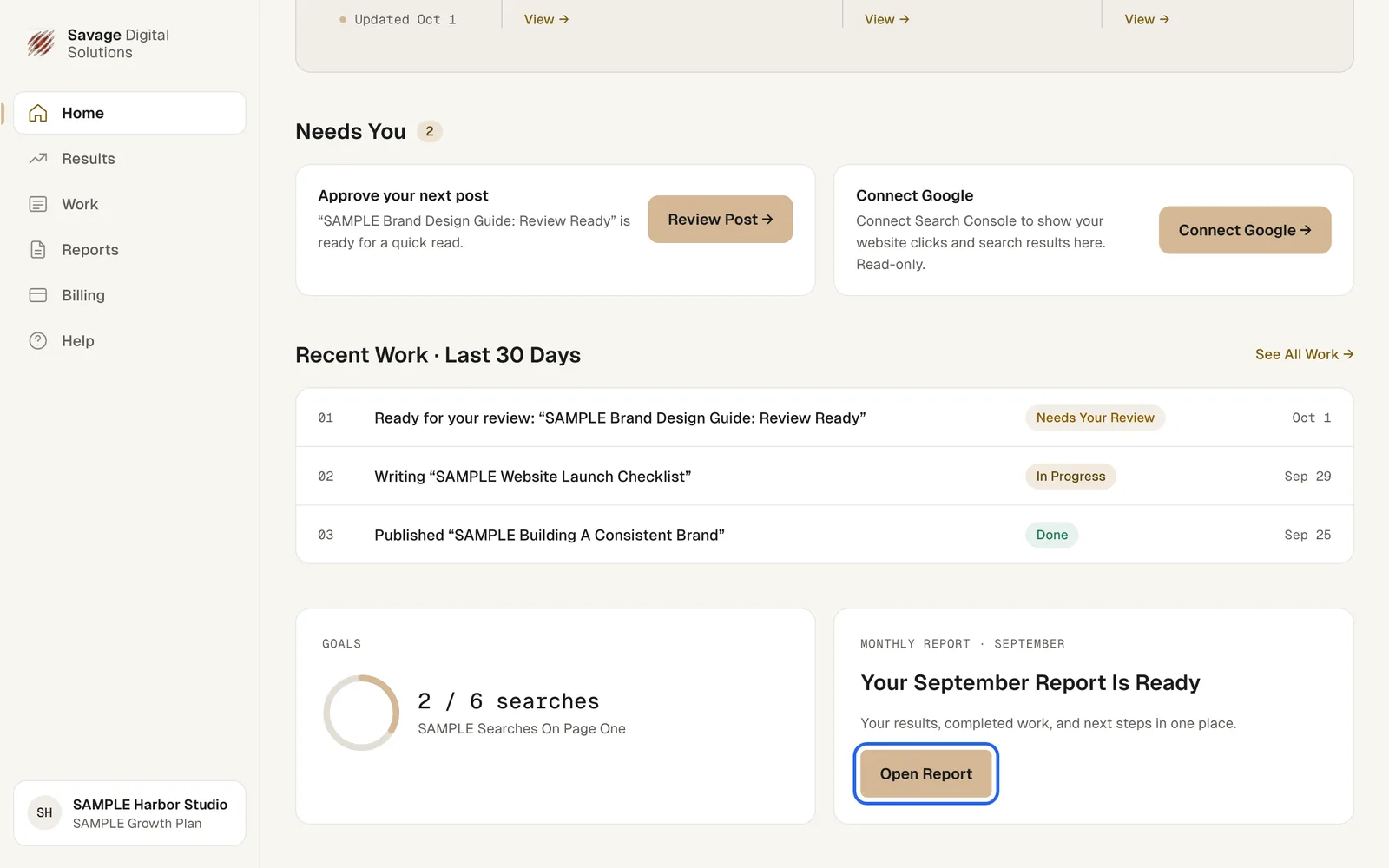
Open Your Latest Report from Home
When a new report is ready, your Home page shows it near the bottom. Choose Open Report. You can also choose Reports in the sidebar at any time.
Step 2
Download or Share the Report
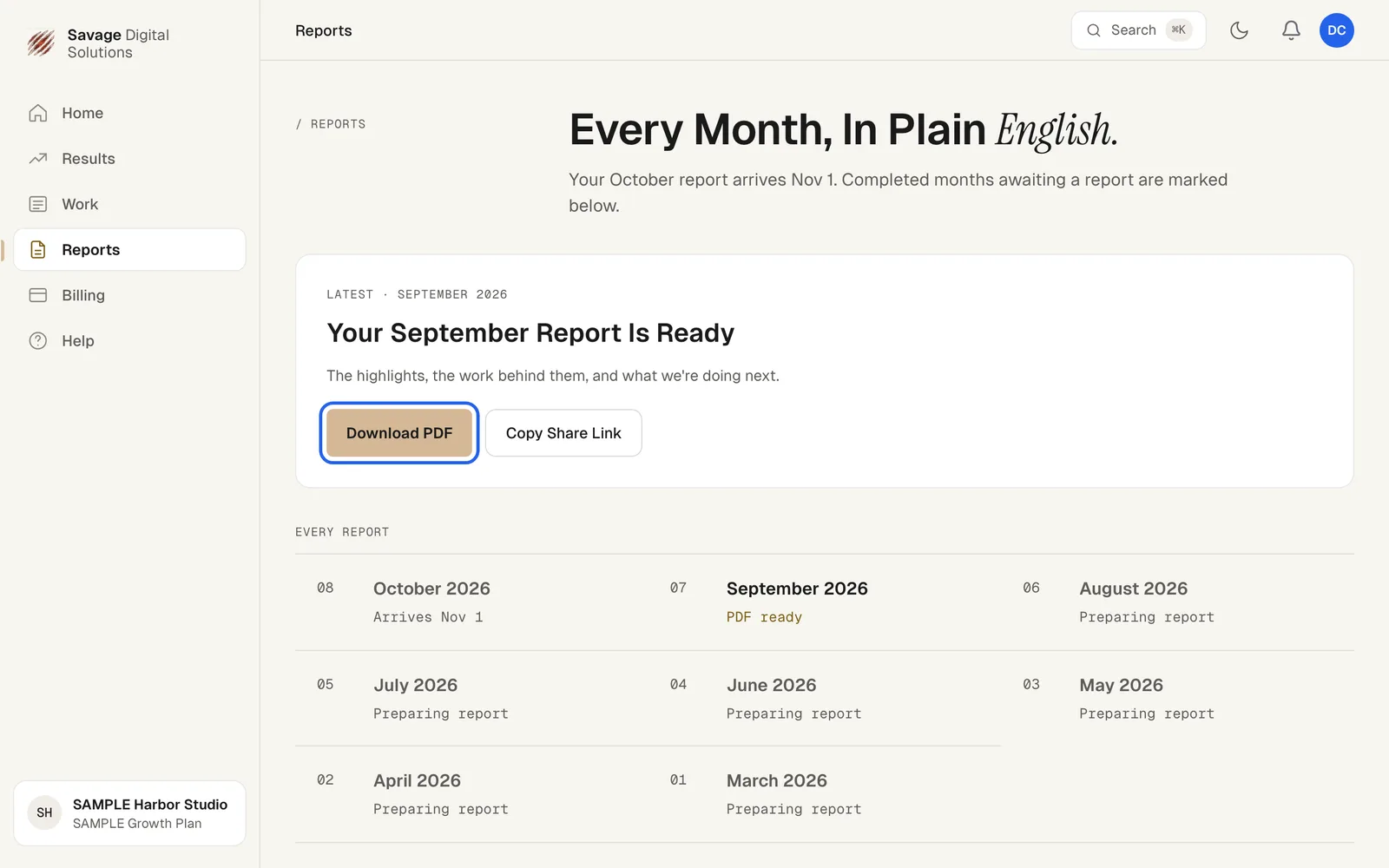
At the top of Reports, your latest report has these buttons:
- Download PDF saves the full report.
- Copy Share Link copies a link you can send to anyone on your team.
Below it, Every Report lists each month with its status: PDF ready, Preparing report, or the date the next report arrives.