HELP CENTER · SUPPORT
How To Message Your Savage Digital Solutions Team
Send your team a message from the portal, track every request you've sent, and find quick answers.
- A real personreads every message
- Emailreplies
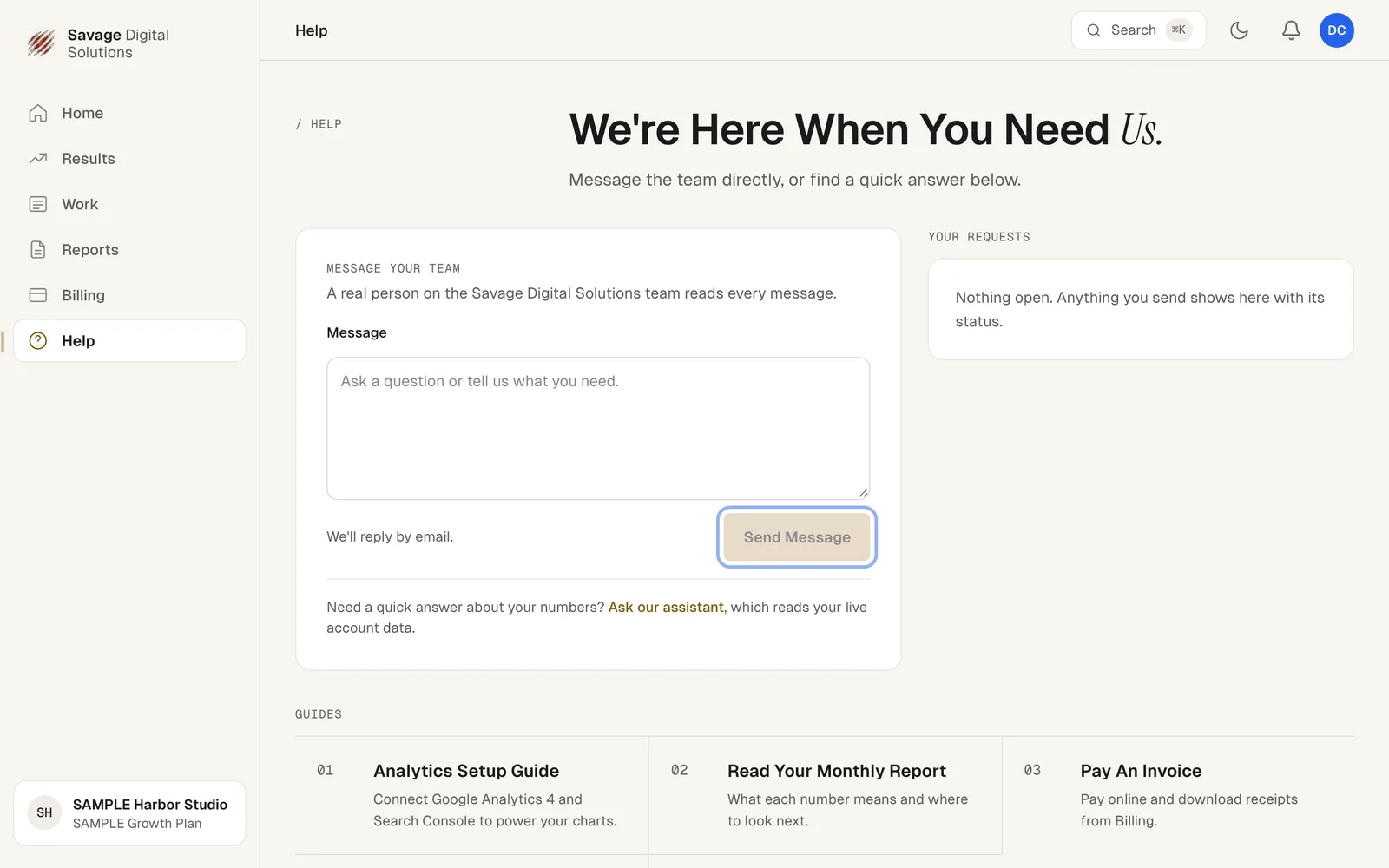
A real person on the Savage Digital Solutions team reads every message you send from your portal.
Step 1
Write to Your Team from Help
Choose Help in the sidebar. Under Message Your Team, type your question or what you need, then choose Send Message. We'll reply by email.
Your Requests, to the right, lists everything you've sent with its status. Below, you'll find step-by-step guides and answers to common questions.