HELP CENTER · REPORTS AND RESULTS
How To See The Work We Have Done For You
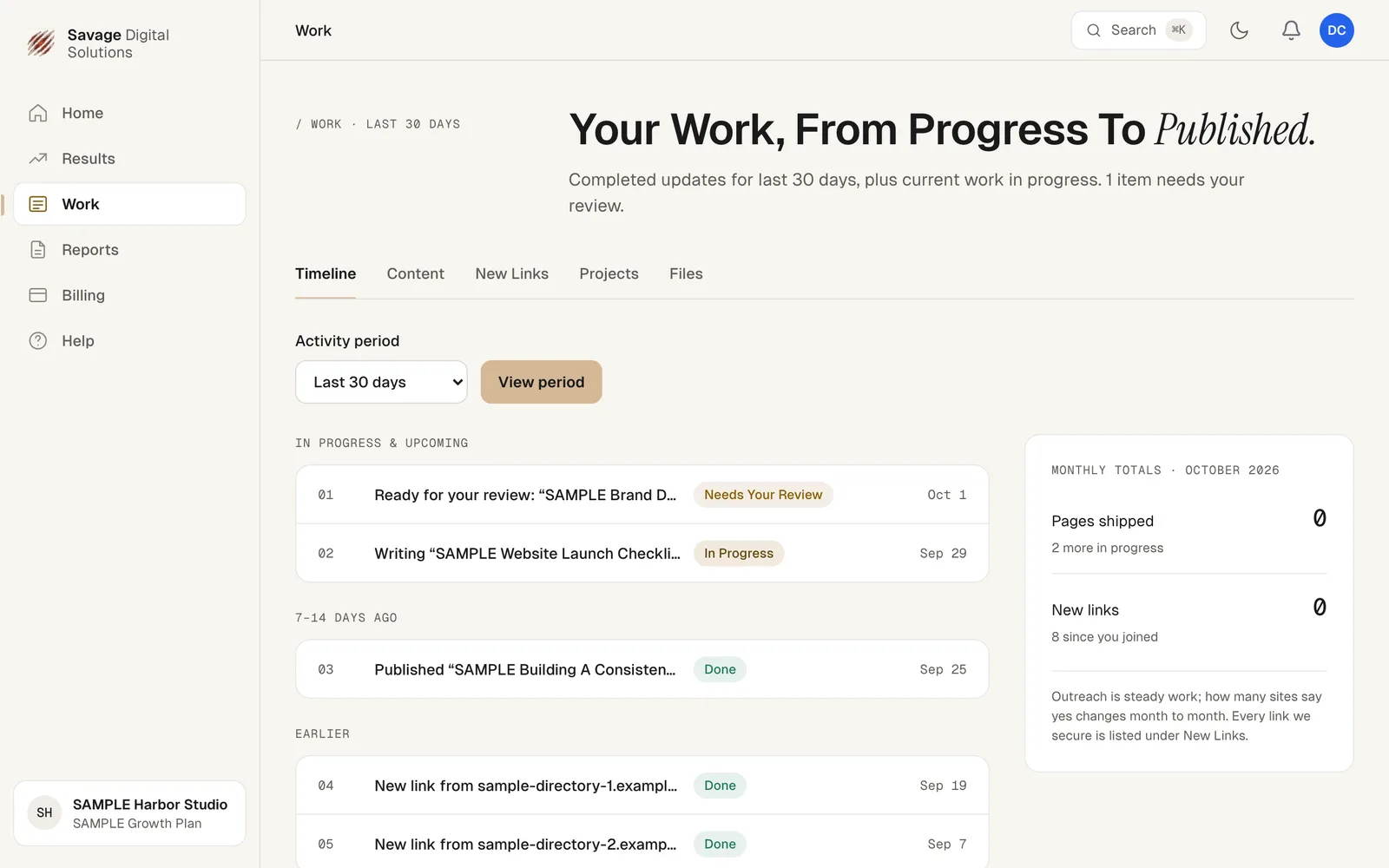
Open the Work page, check your Timeline, and review in-progress items or completed updates.
- Timelinesee progress
- Last 30 daysdefault view
- Sidebaropen Work
Your Work page shows every update we have made for you, from progress to published. It lists completed updates for the selected period, plus current work in progress. You can find this page by choosing Work in the sidebar at any time.
Step 1
Open Your Timeline from Work
On the Work page, your Timeline lists in-progress and upcoming work first, then earlier work by date. Items show their status: Needs Your Review, In Progress or Done.