
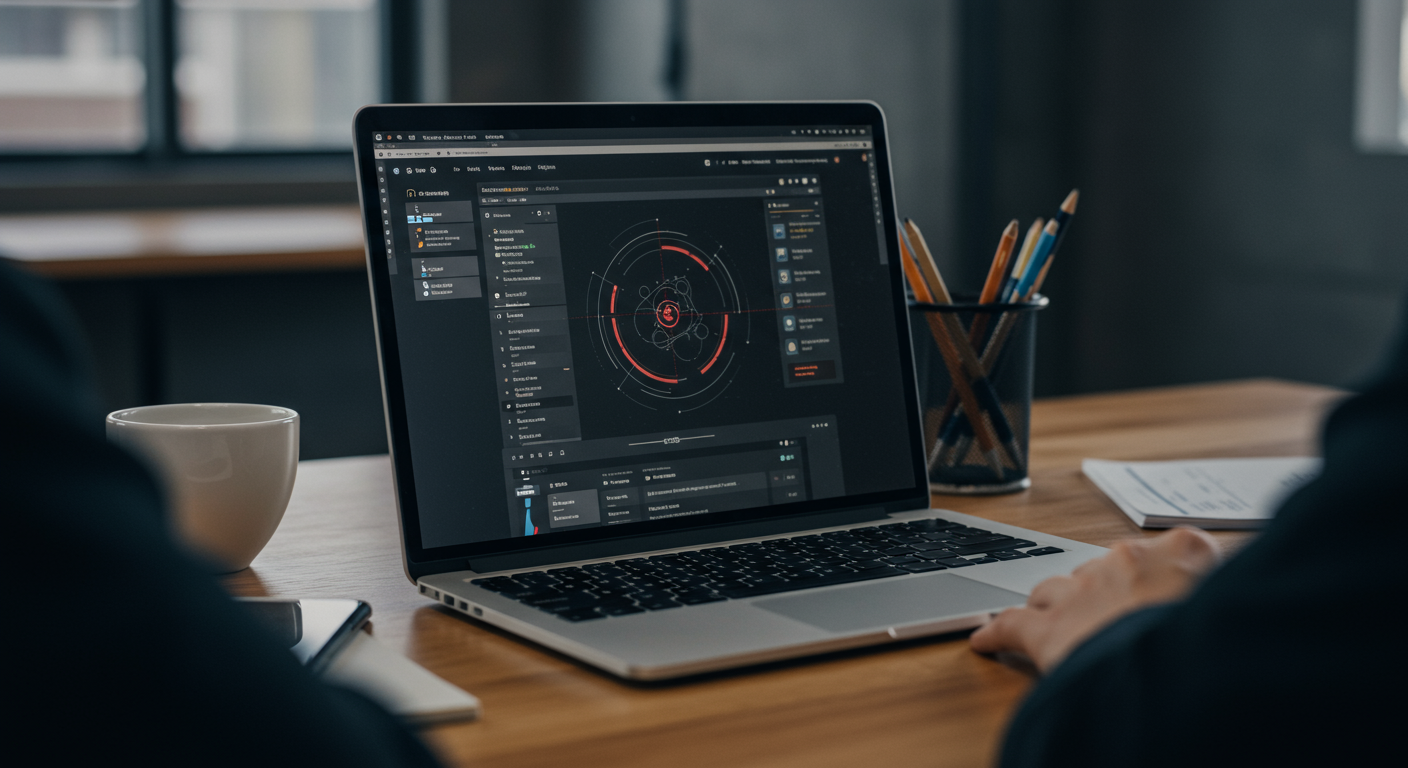
“Automate ecommerce automation guide ecommerce orders Dallas” means implementing integrated, event-driven systems—like ERP, CRM, and fulfillment platforms—that process online orders in Dallas-based stores with zero manual entry, real-time sync, and built-in error recovery—enabling faster fulfillment, fewer returns, and scalable operations across North Texas.
If you run an ecommerce business in Dallas—or serve Dallas-based clients—you know how quickly order volume can overwhelm manual processes. From Shopify orders hitting your inbox at 2 a.m. to mismatched inventory across BigCommerce and QuickBooks, chaotic fulfillment erodes margins and trust. That’s why more Dallas retailers, distributors, and DTC brands are turning to purpose-built automation—not just point tools, but end-to-end workflows engineered for reliability and growth. This isn’t about “setting it and forgetting it.” It’s about designing systems that evolve with your business, whether you’re scaling from 50 to 5,000 orders weekly or launching a second warehouse in Irving.
Key Takeaways
- Automating ecommerce orders in Dallas requires event-driven architecture—not just Zapier-style triggers—to ensure idempotency, auditability, and failure recovery across ERP, CRM, and custom storefronts.
- Dallas businesses benefit from automation frameworks that align to local logistics realities, including proximity to DFW Airport cargo hubs, regional 2-day shipping expectations, and Texas-based 3PL partnerships.
- A discovery sprint—not a vendor demo—is the only reliable way to map order touchpoints, assess technical debt, and co-define KPIs like order-to-ship time, inventory accuracy, and returns rate before writing code.
Why Dallas Businesses Need Purpose-Built Order Automation
Dallas isn’t just another metro—it’s a logistics nexus. With DFW International Airport ranking among the top U.S. air cargo hubs and I-35, I-30, and I-20 converging downtown, Dallas businesses serve a massive regional footprint. But infrastructure advantage means little if order data gets stranded in silos: a Shopify order missed in NetSuite, a ShipStation label mismatched with QuickBooks inventory, or a customer service rep manually updating a Zendesk ticket after a refund.
Generic automation tools often fail here—not because they’re broken, but because they’re not designed for the operational rhythm of Dallas commerce. A local boutique in Deep Ellum may process 80% of orders via Instagram Shopping and need real-time sync with Square POS and ShipStation. A wholesale distributor in Carrollton likely manages tiered pricing, B2B net terms, and EDI-850 purchase orders alongside direct-to-consumer Shopify traffic. One-size-fits-all bots can’t handle those nuances.
That’s why automation for Dallas businesses must start with context—not configuration. It’s about understanding how orders flow today: which platforms are source-of-truth, where manual handoffs occur, where data inconsistencies compound (e.g., “In Stock” in Shopify vs. “Available” in Acumatica), and how fulfillment SLAs are measured. Only then can you design systems that enforce consistency—not just convenience.
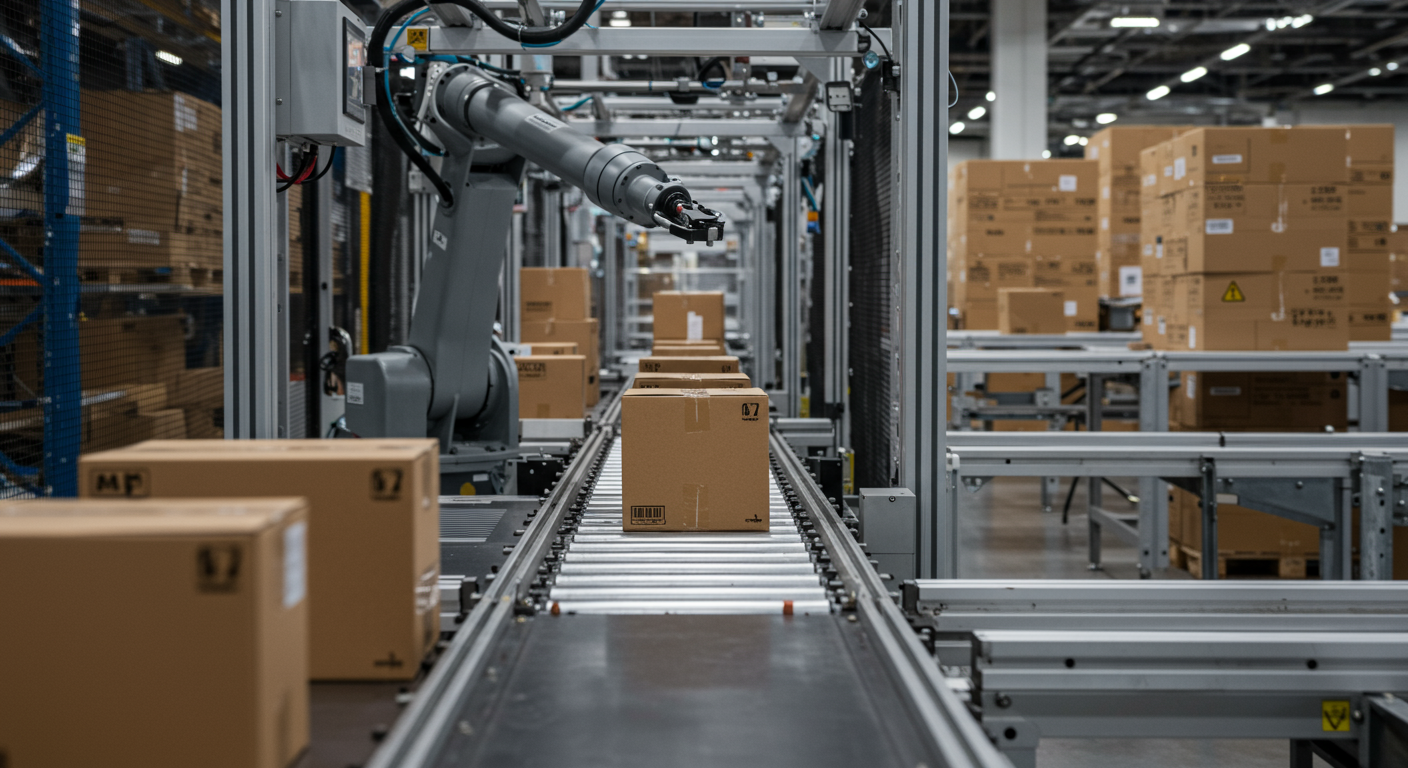
The Savage Build Framework: A 5-Day Discovery Sprint for Dallas Retailers
Most automation projects fail—not at implementation, but at definition. Teams jump straight to “Which middleware should we use?” before answering: What does success actually look like for our Dallas warehouse team? Our customer service leads? Our CFO?
The Savage Build Framework reverses that. It’s a structured, collaborative 5-day discovery sprint built for ecommerce teams in Dallas and beyond. No assumptions. No vendor slides. Just focused, outcome-oriented work.
Day 1 begins with stakeholder interviews—not just IT, but warehouse supervisors in Plano, customer service reps in Dallas’s Design District, and finance staff reconciling daily sales reports. We map every order touchpoint: from cart abandonment triggers to post-fulfillment NetSuite journal entries.
Day 2 focuses on system mapping: visualizing how data actually moves—not how it should. We document API limits, undocumented webhook behaviors, and legacy CSV exports still running on a shared drive in Richardson.
Day 3 is technical debt assessment: identifying brittle integrations (e.g., a 2019 custom Zapier flow handling Shopify-to-QuickBooks sync), orphaned scripts, and undocumented “shadow IT” tools used by Dallas fulfillment staff.
By Day 5, we co-define a prioritized, test-driven roadmap—aligned to KPIs like average order processing time, inventory sync latency, and first-contact resolution rate—not technical milestones like “connect ERP.”
This isn’t theoretical. We’ve run this sprint with Dallas-based brands across apparel, industrial supplies, and health & beauty—each with different ERP systems (Acumatica, NetSuite, Sage X3), different compliance needs (FDA traceability, Texas sales tax rules), and different growth ambitions.
Automation-First Integration Design: Idempotency, Events, and Real-Time Monitoring
“Automate ecommerce orders” sounds simple—until you realize most failures happen after the first successful sync. A duplicate order created by a double-click. A webhook timeout causing a partial update. A schema change in Shopify’s API breaking inventory validation.
That’s why our integrations are built automation-first—not bolted-on. Every connection follows event-driven, idempotent patterns:
line_items array) before they corrupt inventory counts or trigger false alerts.This isn’t just “more reliable.” It’s auditable. Every order sync includes a trace ID, timestamp, source, destination, payload size, and status—exportable for internal audit or Texas Comptroller review. For Dallas businesses handling high-value orders or regulated goods, that traceability isn’t optional—it’s foundational.
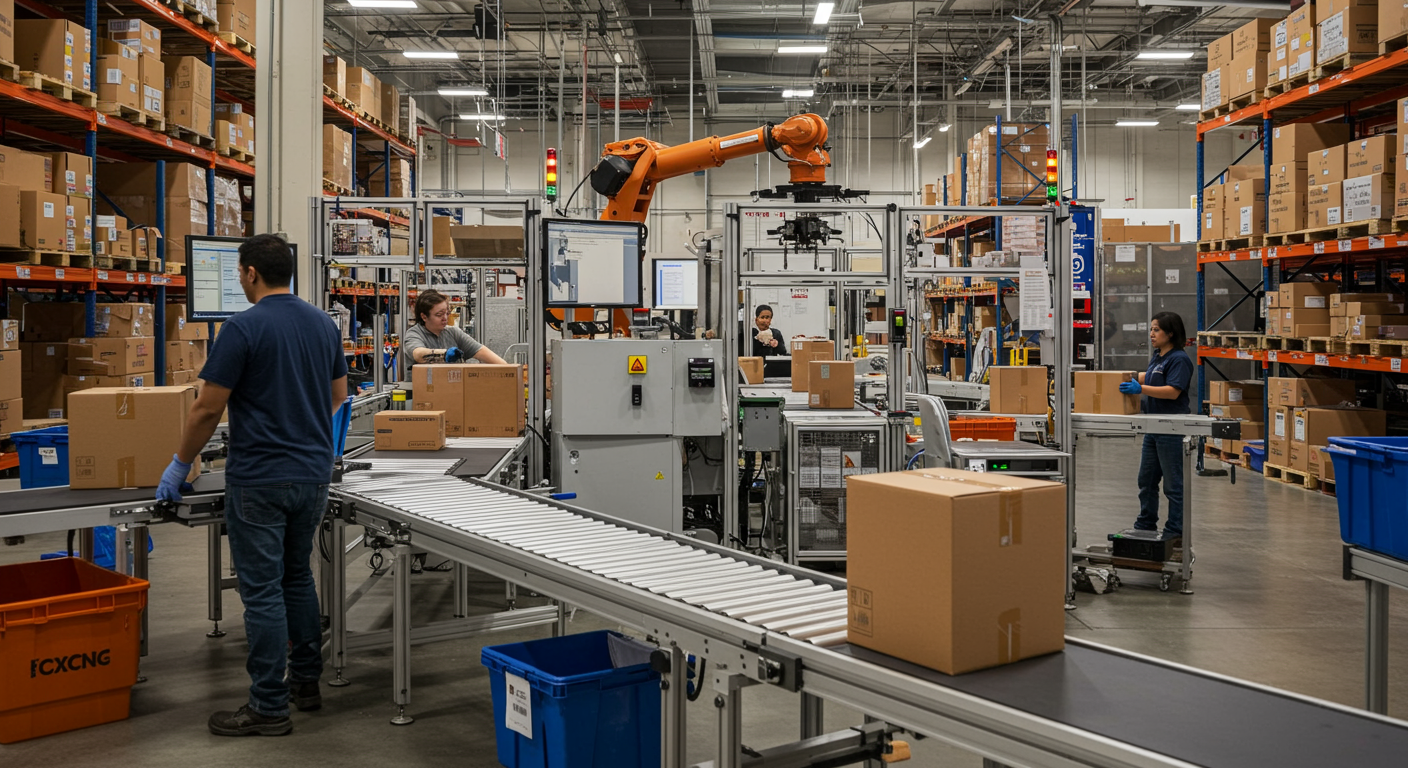
Growth-Aligned SEO Delivery: How Automation Fuels Organic Visibility
Here’s what most automation vendors won’t tell you: order automation directly impacts SEO—especially for Dallas-based ecommerce brands competing in local and category-based search.
Why? Because automation enables faster, cleaner technical execution—exactly what Google’s Core Web Vitals and indexing systems reward. When orders sync reliably:
Offer, AggregateOffer) stays accurate, improving rich result eligibilityOur Growth-Aligned SEO Delivery embeds these outcomes into the automation process—not as an afterthought. We run full technical site audits before integration design—identifying crawl budget waste, JavaScript hydration bottlenecks, and indexation gaps caused by inconsistent order-state URLs (e.g., /product/red-shirt?in_stock=true vs. /product/red-shirt?in_stock=false).
Then, we align automation KPIs to SEO outcomes:
Order schema markup population All tracked in custom dashboards—tying organic traffic growth directly to automation health metrics, not vanity SEO reports.
Dallas-Specific Considerations for Order Automation
Dallas isn’t a monolith—and neither is automation. What works for a 3-person handmade goods store in Oak Cliff won’t scale for a 200-employee industrial distributor in Grand Prairie. Local context matters.
First, logistics: Dallas’s position as a central U.S. freight hub means many local businesses use regional 3PLs—like ShipMonk in Dallas or Deliverr’s DFW facility. Automation must support their API specs, label formats, and return authorization workflows—not just national carriers.
Second, tax and compliance: Texas imposes unique sales tax rules, including local jurisdiction rates (Dallas County, City of Dallas, special districts) and exemptions for resale certificates. Automation must pass validated exemption certificates from buyers to your tax engine (e.g., Avalara, Vertex) before order confirmation—not as a batch upload.
Third, workforce reality: Many Dallas fulfillment centers operate multi-shift schedules. Automation alerts must route to the right team—e.g., a “Low Stock Alert” at 3 a.m. goes to the overnight supervisor in Dallas, not the day-shift manager in Austin.
We design with these constraints in mind—testing integrations against Dallas-based 3PLs, validating tax logic with Texas Comptroller guidance, and building alert routing that respects local shift calendars.
Measuring Success: KPIs That Matter for Dallas Brands
Automation isn’t measured in “bots deployed.” It’s measured in outcomes that impact Dallas P&Ls and operations.
We co-define KPIs early—never generic ones like “reduced manual work.” Instead:
These KPIs are tracked daily—not in spreadsheets, but in live dashboards shared across teams. When a Dallas warehouse manager sees sync latency spike at 10:15 a.m., they can drill into the exact API call—and the developer can fix it before lunch.
No “monthly review.” No “we’ll get to that next sprint.” Real-time visibility enables real-time accountability.
Integrating with Your Existing Stack: ERP, CRM, and Beyond
You don’t need to rip and replace. Most Dallas businesses already use powerful tools—they just don’t talk to each other.
We specialize in connecting what you have—not what vendors say you should have.
Every integration includes documented error handling: What happens if NetSuite rejects an order due to missing GL account? How does the system notify the Dallas accounting team—and pause further syncs until resolved? That’s not “nice to have.” It’s operational resilience.
Related Reading
- Ecommerce Order Automation Tampa: Streamline Fulfillment
- Workflow Automation & Coordination for E-Commerce in Boca Raton
- Best AI Platforms for E-Commerce Fulfillment in Miami
- AI Solutions to Automize FBM Operations
Frequently Asked Questions
Q: What is automate ecommerce orders dallas?
A: It’s the implementation of integrated, event-driven systems that process online orders for Dallas-based businesses—eliminating manual data entry, ensuring real-time sync across platforms, and supporting local logistics, tax rules, and fulfillment workflows without compromising reliability or scalability.
Q: How does automate ecommerce orders dallas work?
A: It works through purpose-built integrations that listen for order events (e.g., Shopify orders/create), validate data, apply business logic (e.g., tax rules for Dallas County), and push to ERP, CRM, or shipping tools using idempotent, retry-aware connections—monitored in real time and auditable by timestamp and trace ID.
Q: What are the key benefits for Dallas businesses?
A: Key benefits include faster order-to-ship times for regional 2-day delivery, accurate inventory visibility across Dallas warehouses and 3PLs, automated Texas sales tax compliance, reduced manual errors in finance and fulfillment, and scalable operations as order volume grows—without adding headcount.
Q: Do I need to replace my current ecommerce platform to automate?
A: No. Automation works with your existing platform—whether it’s Shopify, BigCommerce, Magento, WooCommerce, or a custom build. We integrate at the API or webhook layer, preserving your tech stack while connecting it reliably to ERP, CRM, and logistics tools.
Q: Can you support businesses outside Dallas?
A: Yes. While we deeply understand Dallas logistics, tax, and operational needs, our automation frameworks and remote delivery model serve clients nationwide—from New York to San Diego. All discovery, development, and support is delivered remotely with Dallas-time availability.
Ready to automate your Dallas ecommerce orders and streamline fulfillment? Contact Savage Digital Solutions for a free consultation. We serve Dallas and clients nationwide.